
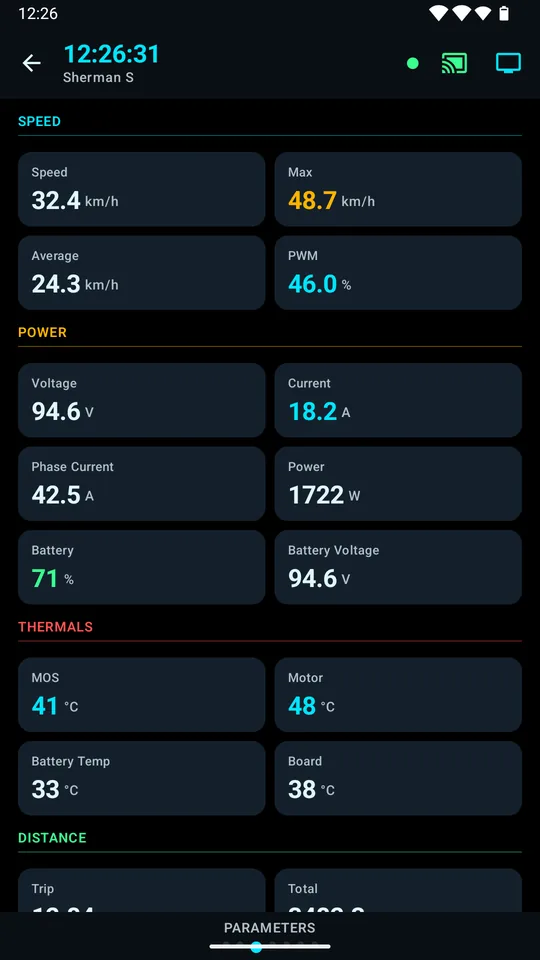
Live dashboard
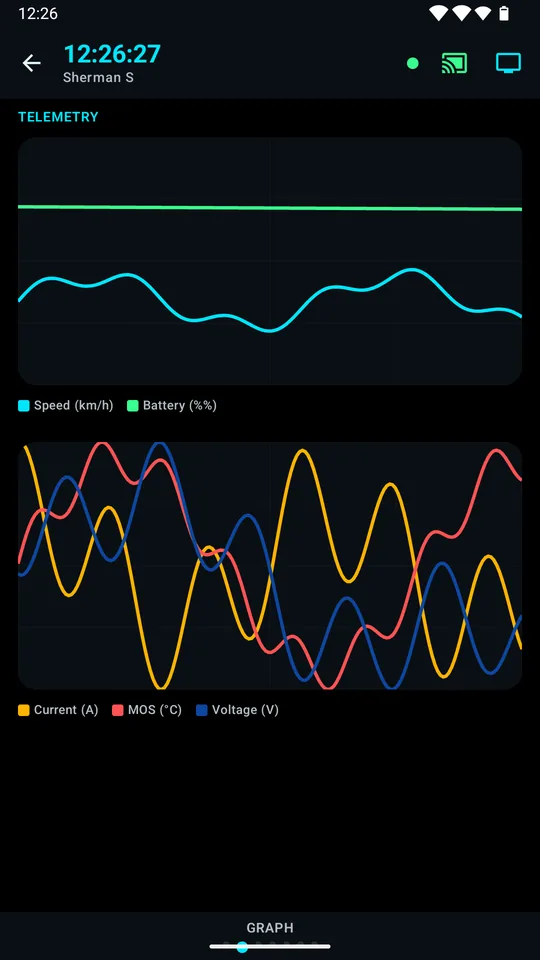
Speed gauge, battery, voltage, current, power and temperatures at a glance — plus BMS details, live charts, and parameter and event pages.
Open source · No ads · No data collected
RideFlux connects to your electric unicycle over Bluetooth and shows speed, battery, temperature and PWM load while you ride. It warns you before a limit, records every trip, and can drive a heads-up display on AR glasses.
Android 9 or later · 18 languages
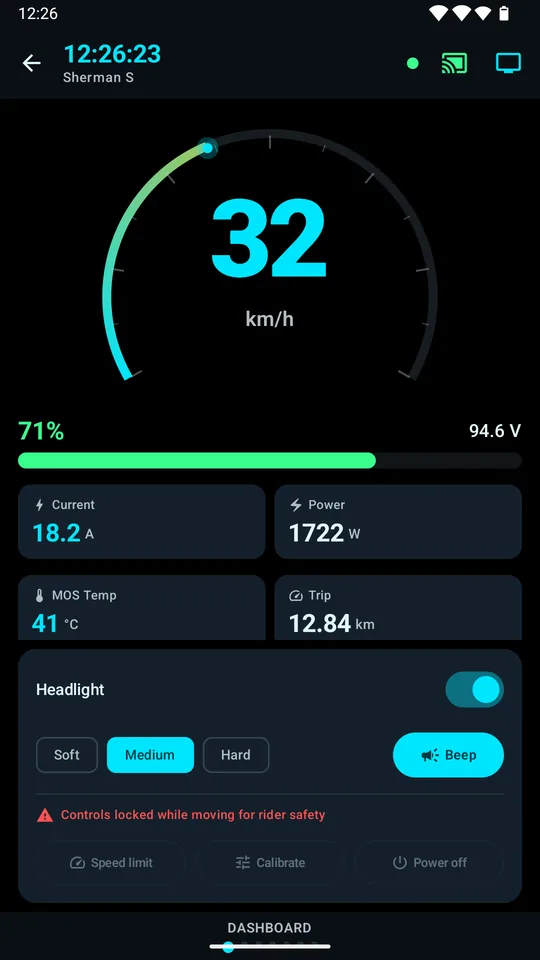
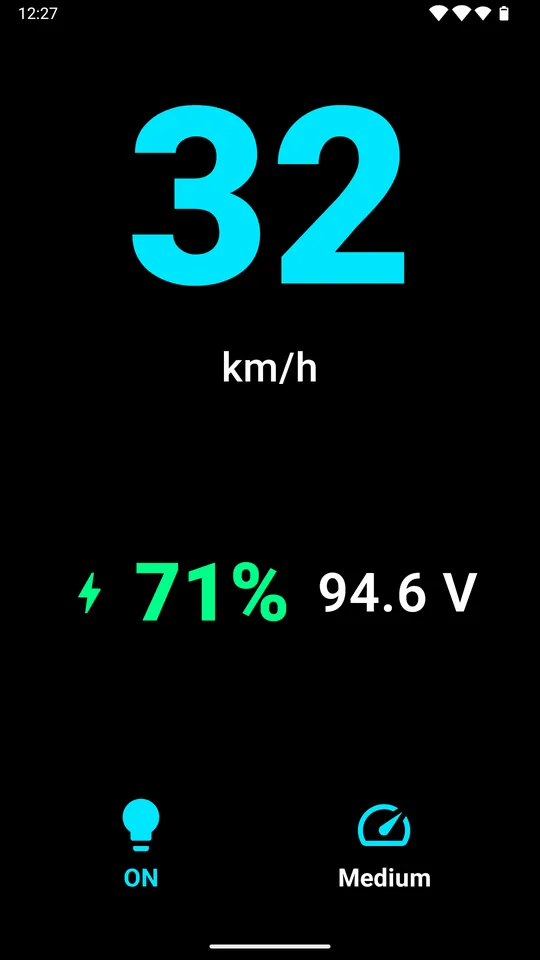
Speed gauge, battery, voltage, current, power and temperatures at a glance — plus BMS details, live charts, and parameter and event pages.
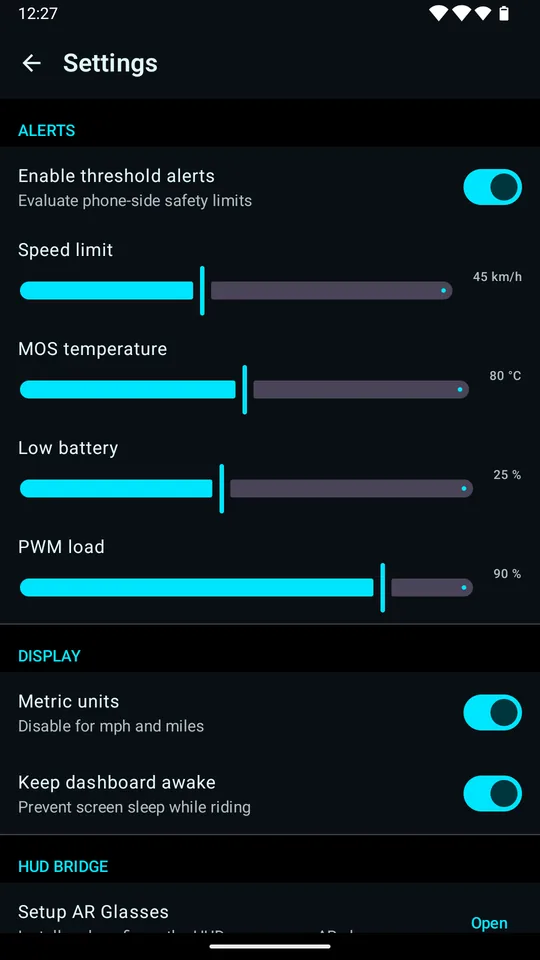
Warnings for overspeed, over-temperature, low battery and high PWM load. You set the thresholds, and a value hovering on a limit won't spam you.
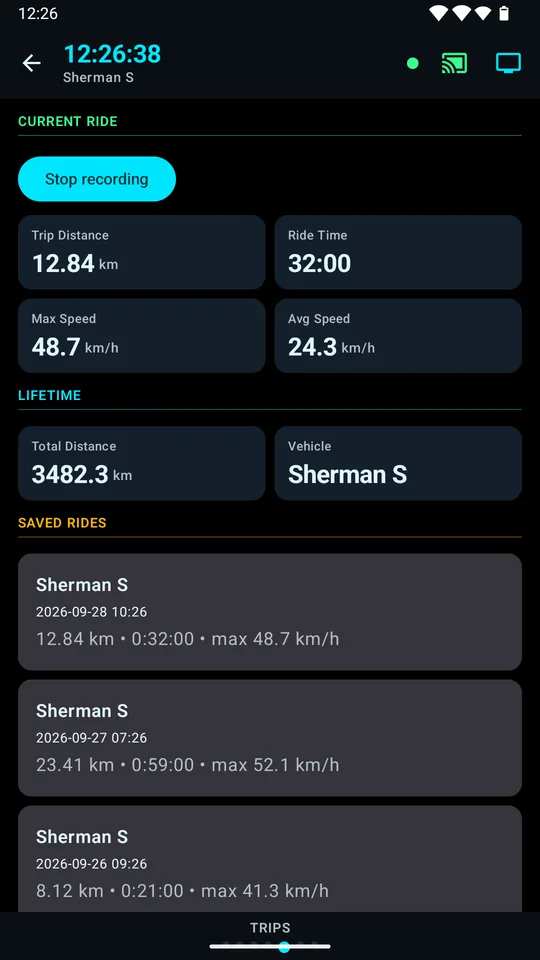
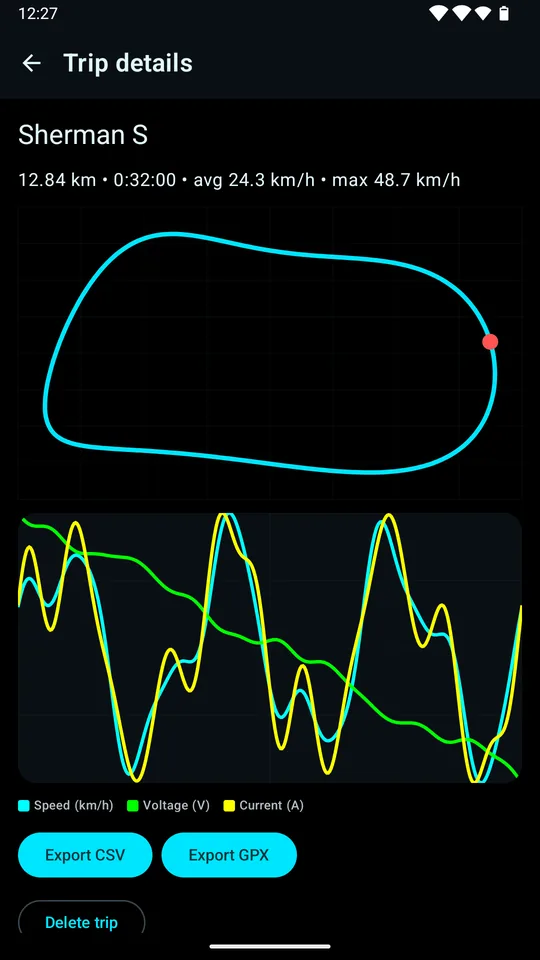
A ride starts recording when the wheel starts moving. Every trip keeps its route, speed, voltage and current.
Export any trip as CSV or GPX for other tools, or back up all trips and settings to a single ZIP file.
Headlight, horn, speed limit, calibration and more — where your wheel supports them, and locked while you are moving.
Send speed and battery to Rokid AR glasses so you can keep your eyes up. A Bluetooth ring shows or hides it.
Screenshots show sample data, not a real ride.
Pair RideFlux with Rokid AR glasses and the essentials sit in your line of sight — no more glancing down at a phone on the handlebar.
The HUD app for Rokid glasses is an APK on GitHub Releases, for sideloading.
RideFlux speaks the protocols of the main electric unicycle brands. Here is what has actually been tested on a real wheel.
Verified on hardware — the developer connected a real wheel of that model and checked the app against it.
Experimental — implemented from open-source references and recorded test frames, but not yet tried on a real wheel. It may misread values on yours, so compare it with your wheel's own display before relying on it for safety.
Own a wheel marked experimental? A short test report helps a lot.
Send a report on GitHubRideFlux is an independently developed third-party app and is not affiliated with any wheel manufacturer or Rokid. Brand names belong to their owners.
RideFlux does not collect, transmit, sell or share personal data.
Read the full privacy policyBegode/Gotway, KingSong, Veteran, Ninebot and Inmotion are implemented. So far only the Begode A2 has been verified on a real wheel; the rest are experimental — see the table above.
No. The glasses HUD is optional, and the phone app is a complete dashboard on its own.
No. There is no internet permission, no ads, no analytics and no accounts. Trips are stored on your phone and leave it only if you export them.
Bluetooth connects to your wheel, glasses and ring. Location draws a trip's route while recording; on Android 11 and older it is also required to scan for Bluetooth devices. Notifications carry alerts and the recording indicator.
Android 9 (API level 28) and later.
Speed limit, calibration, power off and other wheel controls are locked while the wheel is moving. Please keep your eyes on the road and do not operate your phone while riding.
Compare it with your wheel's own display, then open an issue on GitHub with your wheel's model and firmware. Reports on experimental wheels help the most.
Release notes are written in English.